
You don’t need expensive gear to go live — but basic setup quality matters.
A clean setup improves viewer retention, professionalism, and engagement.
1. Camera: Keep It Simple
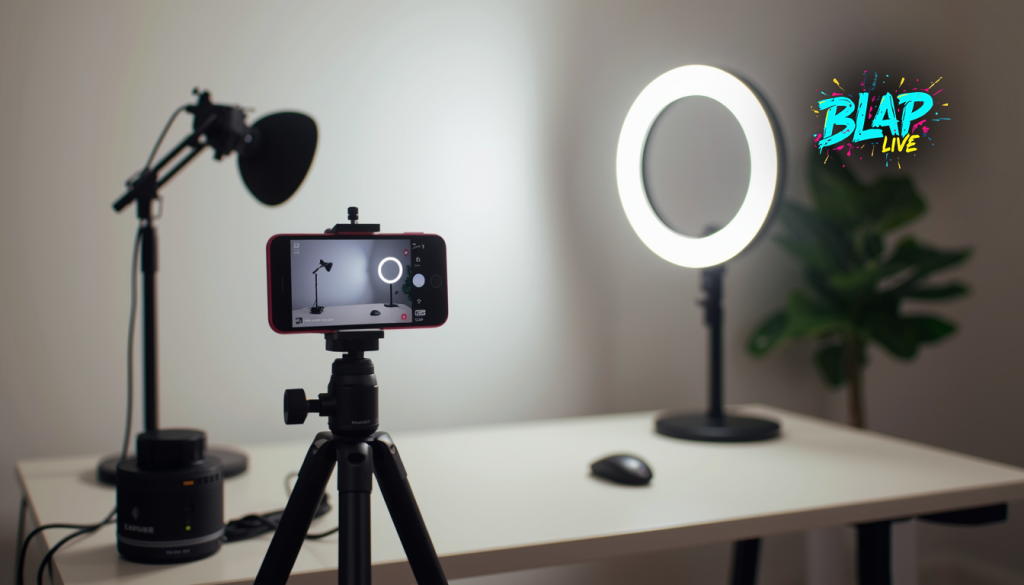
Your phone camera is more than enough to start. Just ensure:
- Camera at eye level
- Clean lens
- Stable position
Good framing beats expensive cameras.
2. Audio: The Most Important Part
Viewers will forgive average video — but bad audio kills streams.
Best beginner options:
- Wired earphones with mic
- Entry-level USB microphone
- Quiet room setup
Clear audio = longer watch time.
3. Lighting: Face the Light
Natural light works best. Sit facing a window or use a basic ring light.
Avoid:
- Strong backlight
- Dark rooms
- Harsh overhead lighting
4. Internet: Stability Over Speed
A stable connection is more important than fast speed.
- Use Wi-Fi with strong signal
- Avoid background downloads
- Test before going live
5. Platform Matters
Platforms like Blap Live are optimized for mobile creators and beginners, making setup stress-free.
Pro Tip:
Start simple. Upgrade later. Consistency matters more than perfection.
👉 Go live with confidence on Blap Live.