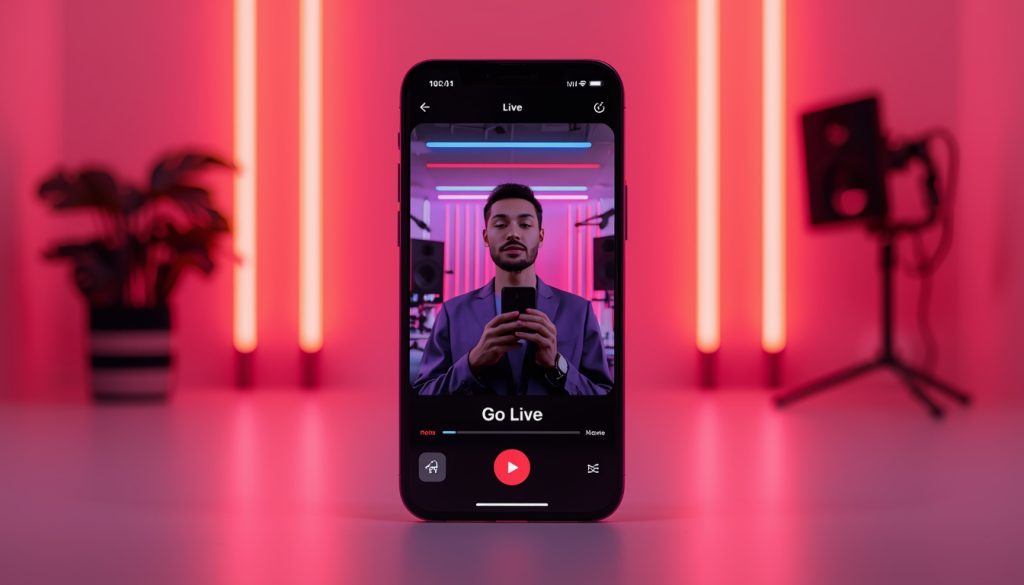

Going live on Blap Live is fast and beginner-friendly.
Step 1: Create Your Account
Download the Blap Live app and set up your profile. Add a photo, bio, and category so viewers know what your stream is about.
Step 2: Prepare Your Stream
Choose a quiet location, good lighting, and stable internet. Even simple setups work well when your content is strong.
Step 3: Tap “Go Live”
Choose your stream title, enable features like filters or gifts, and go live instantly.
Step 4: Engage Your Audience
Welcome viewers, respond to chat, and encourage gifting or participation.
Step 5: Review Analytics
After your stream ends, check performance stats to improve your next live.
Pro Tip: Your first stream doesn’t need to be perfect — it just needs to happen.
👉 Go live in seconds with Blap Live.